In this guide
- Define the learning object Name the part you want to understand: the order of an explanation, the transition between two roles, the location of an approved reference or the reason for an escalation. Avoid combining several skills into one vague exercise. If you cannot say what would count as a useful observation, the exercise may be too broad.
- Ask which environment is permitted There may be a designated training space, a simulation resource, a supervised work opportunity or an approved learning system. Availability is local and current. Do not assume that a public description of PSI means every employee can book every simulation or bring their own scenario. Ask the responsible educator about audience, prerequisites, supervision and the equipment involved.
- Give the observer a single job An observer can look for a specific behavior without becoming an evaluator of your overall competence. Agree in advance what they will watch and what they are not qualified to assess. “Did I state the destination before the route?” is a manageable observation. “Am I ready to perform the job alone?” belongs to the employer's formal assessment process.
- Decide how the rehearsal ends A useful stopping boundary might be reaching a point that requires clinical judgment, encountering an unexpected system behavior or discovering that the reference is outdated. At that point, stop the exercise and ask the responsible person. A learning tool should never encourage someone to continue simply to obtain a completed checklist.
- Sources and scope
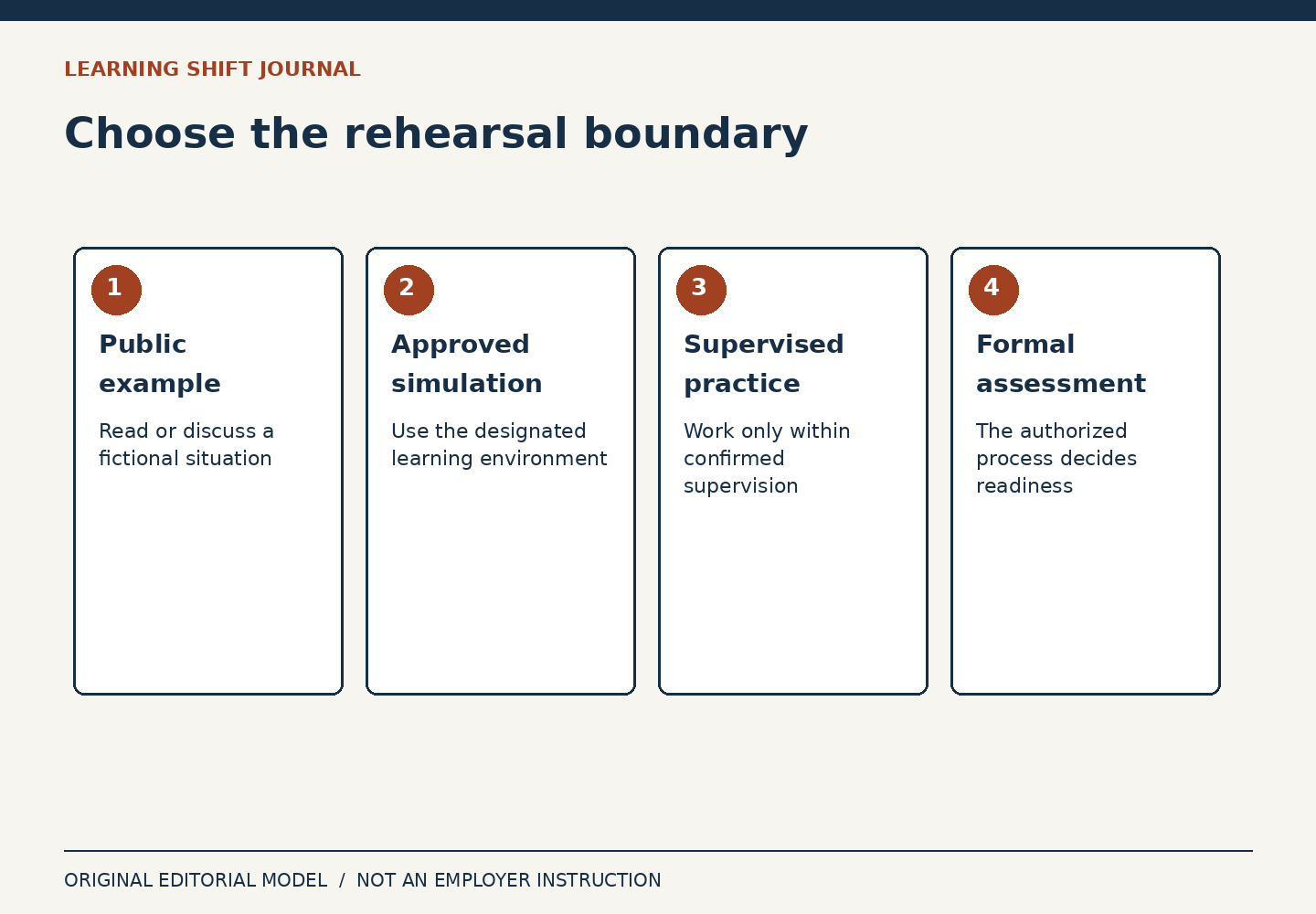
Practice feels productive because it is active. That does not make every practice setting appropriate. Rehearsing an explanation with a colleague is different from changing what a patient is told. Watching a demonstration is different from operating equipment. An incumbent Northwell employee can be experienced and still need a supervised learning environment for something new.
The public Northwell description of the Patient Safety Institute explains the use of simulation for clinical teams. Its nursing fellowship page also describes supervised learning. Neither page authorizes a reader to reproduce a clinical scenario at work. The editorial approach here is to plan questions about a rehearsal, not to prescribe a procedure.
Define the learning object Name the part you want to understand: the order of an explanation, the transition between two roles, the location of an approved reference or the reason for an escalation. Avoid combining several skills into one vague exercise. If you cannot say what would count as a useful observation, the exercise may be too broad.
For example, a hypothetical reception-team rehearsal could focus on whether a visitor can identify the first destination from an existing approved direction. It would not need real appointment data, a recording of a visitor or access to the patient system. The colleague can play a fictional visitor and report where the explanation became confusing. The script remains subject to the employer's review.
Ask which environment is permitted There may be a designated training space, a simulation resource, a supervised work opportunity or an approved learning system. Availability is local and current. Do not assume that a public description of PSI means every employee can book every simulation or bring their own scenario. Ask the responsible educator about audience, prerequisites, supervision and the equipment involved.
“Practice only” is not a protection if the exercise still touches a live record, a real device or someone else's private information. A test message can reach a real recipient. A copied screen can expose real data. A harmless-looking action can create a task in a live queue. Keep the proposed exercise inside a verified training boundary.
Give the observer a single job An observer can look for a specific behavior without becoming an evaluator of your overall competence. Agree in advance what they will watch and what they are not qualified to assess. “Did I state the destination before the route?” is a manageable observation. “Am I ready to perform the job alone?” belongs to the employer's formal assessment process.
A narrow observation also makes feedback less personal. It describes what occurred rather than guessing why you did it. If a rehearsal is interrupted, record that limitation instead of treating incomplete evidence as failure. Repeat only when repetition is appropriate and authorized; efficiency is not a reason to skip safeguards.
Decide how the rehearsal ends A useful stopping boundary might be reaching a point that requires clinical judgment, encountering an unexpected system behavior or discovering that the reference is outdated. At that point, stop the exercise and ask the responsible person. A learning tool should never encourage someone to continue simply to obtain a completed checklist.
Finish by naming the next authorized step. It may be another rehearsal, a source clarification, a formal assessment or no change. Do not let enthusiasm convert an informal exercise into a new team standard. The value of rehearsal is that it makes uncertainty visible before it becomes someone else's problem.
Sources and scope
Public sources checked October 5, 2026. Dated accounts remain historical; examples and planning methods in this article are original editorial constructions.
- Northwell: Developing clinical careers through learning and innovation
Dated 2020 description of CLI and PSI approaches; current enrollment, course availability and clinical permissions are not established.
- Northwell: Nursing externships and fellowships
Public program descriptions illustrate supervised learning; no reader admission, competence or work authority is implied.